 Express Transcript
Zoom Transcription App: The Operator Playbook for Meetings That Need Real Follow-Through

Most teams are not looking for "more notes." They are trying to stop dropped handoffs after meetings. That is why choosing a Zoom transcription app is less about features and more about execution quality.
When people look up Zoom transcription, the real question is usually practical: "Can we leave this call with clear owners and dates, without spending another hour fixing text?" If that is still painful, the workflow is not solved yet.
Editorial take: first draft speed matters less than final-note speed. A usable Zoom transcript is one your team can trust in the same workday.
What people usually mean by "Zoom transcribe"
The phrase Zoom transcribe sounds technical, but the intent is operational:
- Can we trust speaker labels enough to assign work correctly?
- Can we jump to exact moments when someone disputes wording?
- Can we publish a decision memo quickly after the call?
- Can this run without a dedicated technical operator?
If these points are unresolved, you do not have a documentation system yet. You have archived recordings.
Best app options by use case
Start with meeting type, not feature count. Pricing and features move over time, so validate current details on vendor pages before rollout.
| Option | Best for | Limit to watch | What to test first |
|---|---|---|---|
| Zoom native transcript/captions | Teams needing built-in baseline output with minimal setup. | May require heavier post-meeting cleanup for production notes. | Speaker accuracy + late-meeting timestamp consistency. |
| audio-to-text.online | Teams optimizing for fast editing, clear handoff, and export flexibility. | You still need a short human QA pass for high-risk lines. | Total minutes from call-end to final decision memo. |
| Otter.ai | Collaboration-heavy teams that want shared notes and meeting capture. | Workflow fit varies by meeting style and speaker overlap. | How quickly owners/dates can be extracted from long calls. |
| Sonix | Users prioritizing transcript editing and subtitle/export workflows. | Final output quality depends heavily on recording conditions. | Cleanup time on noisy multi-speaker Zoom sessions. |
Zoom native vs dedicated app: when to upgrade
For many teams, Zoom's built-in output is fine for light internal syncs. You usually need a dedicated stack when notes become operational records, not just memory prompts.
- Stay with native output if meetings are short, speakers are predictable, and no one depends on strict action ownership.
- Upgrade to a dedicated workflow if tasks, deadlines, or client commitments depend on each call.
- Require timestamp traceability when teams frequently challenge what was agreed or who owned the next step.
A useful trigger: if your team reopens decisions because notes are unclear more than once a week, your current workflow is underpowered.
Real correction example (before/after)
This is a small-looking error that creates real execution cost when nobody reviews the draft.
[00:14:08] Speaker 2: Let's ship onboarding on Tuesday if design signs off.
[00:14:12] Speaker 1: Okay, Alex owns rollout.
[00:14:08] Speaker 2 (Maya): Let's ship onboarding on Thursday if design signs off Monday.
[00:14:12] Speaker 1 (Arun): Okay, Maya owns rollout.
Two edits changed everything: launch day and owner identity. That is exactly why reliable transcript workflows include a quick QA pass for dates, names, and assignments.
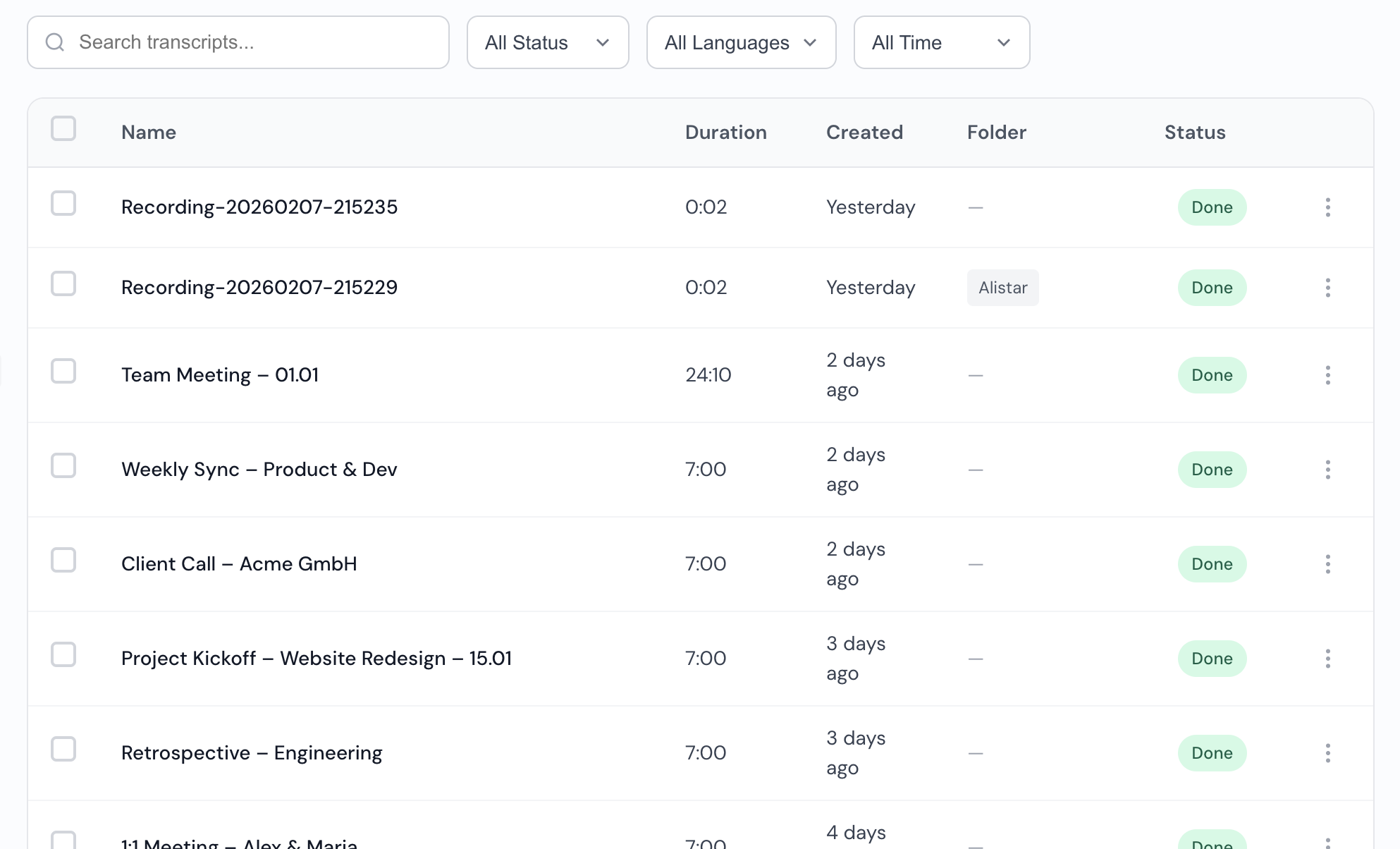
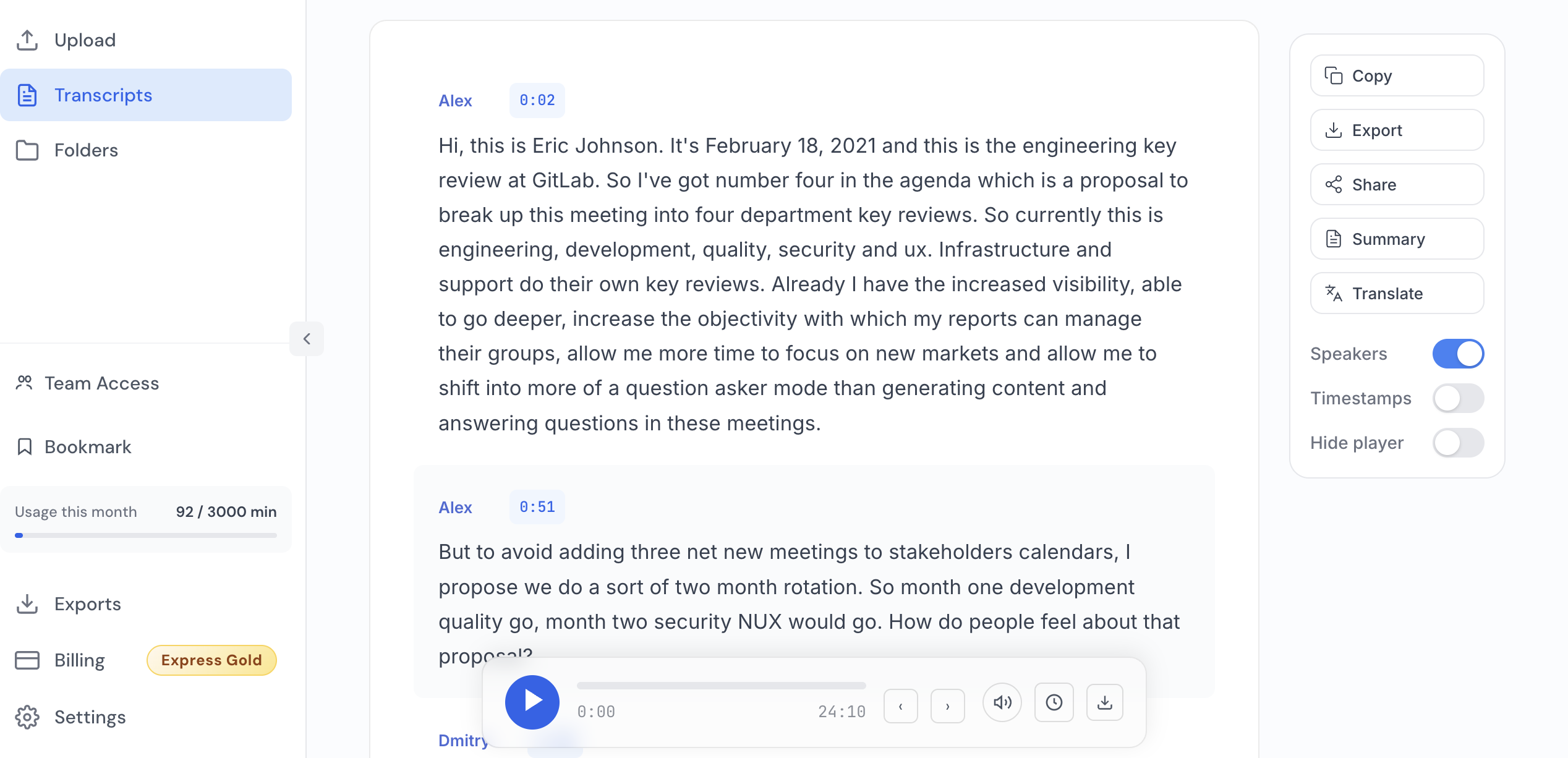
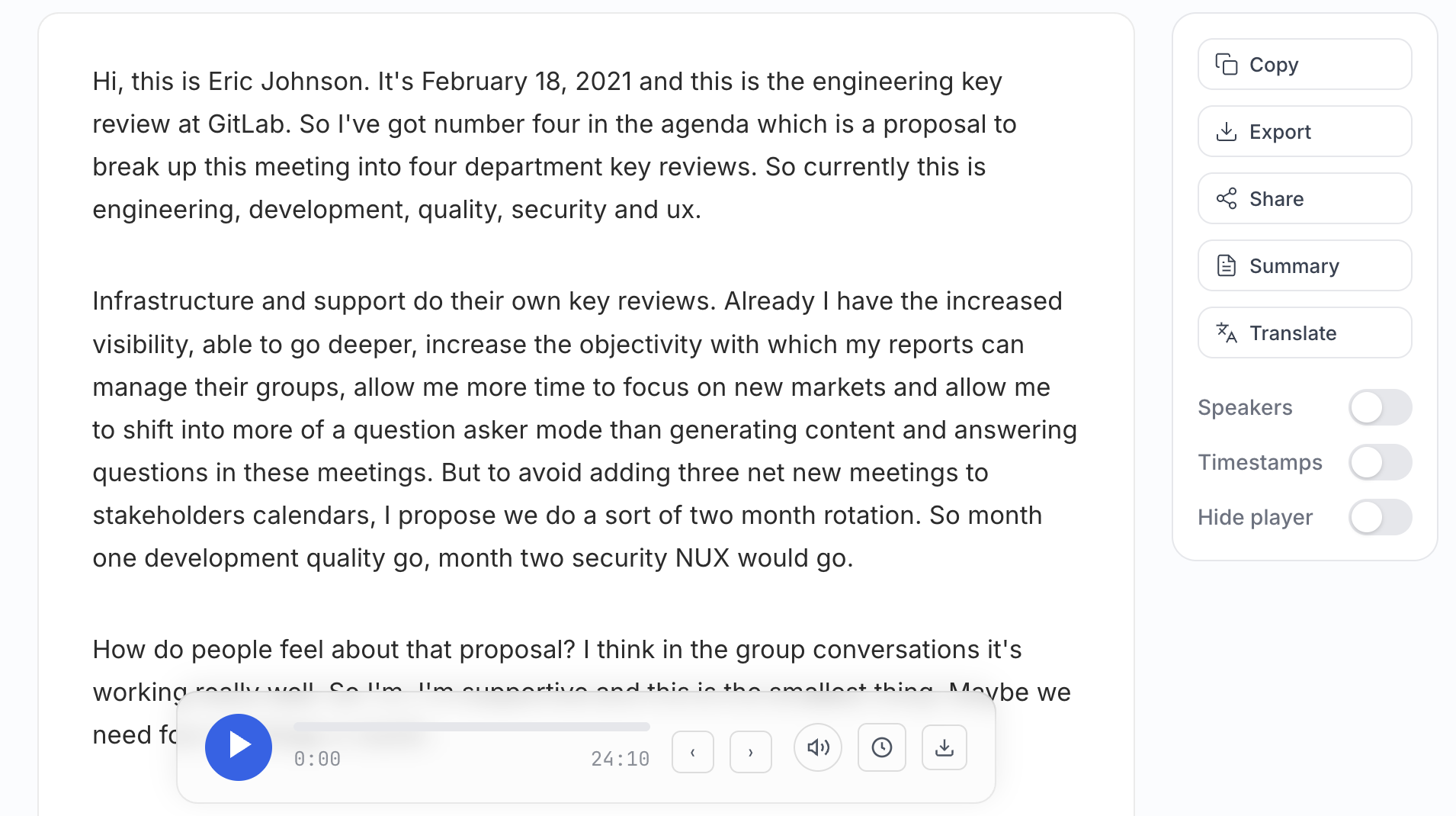
Screenshots: what a usable workflow looks like
Three failure patterns we keep seeing
Wrong owner, right sentence
The sentence reads fine, but ownership is attached to the wrong person. This is the most common "silent" failure.
Transcript exists, memo missing
Few people read full transcripts end-to-end. Without a short decision memo, the meeting is documented but still unclear.
Only early timestamps were checked
Teams check minute five, skip minute fifty, then label the whole output unreliable when late sections drift.
A workflow teams can actually sustain
- Generate transcript immediately after call end.
- Fix speaker labels before wording edits.
- Validate high-risk lines only: owners, dates, quantities, approvals.
- Publish a short memo: decisions, owners, deadlines, unresolved risks.
- Attach the full transcript link for audit and quote verification.
A realistic 30-day rollout
- Day 0
Pick one recurring Zoom meeting format and assign one clear note owner. - Day 1
Run the first cycle and measure time from call end to final memo. - Day 3
Review speaker-label mistakes and late-meeting timestamp drift. - Day 7
Track reopen rate on decisions and late-task rate. - Day 30
Keep, tune, or replace the workflow based on actual edit minutes.
Copy/paste SOP snippet (internal team handbook)
Where audio-to-text.online fits
For teams that want a practical meeting-note flow, audio-to-text.online fits best when the goal is quick cleanup, easy sharing, and consistent day-to-day output quality. The point is not "magic." The point is predictability.
If your environment requires heavy governance and multi-layer localization approvals, a different stack may be a better fit. But for many teams, a focused transcription app with strong editing/export flow gets to action faster.
FAQ
Is Zoom transcription enough without extra tools?
For low-stakes internal calls, often yes. For client commitments, compliance notes, or strict owner/date tracking, most teams need a stronger review workflow.
How should we Zoom transcribe meetings with minimal overhead?
Assign one note owner, validate high-risk lines first, then publish a short decision memo immediately after the call. This prevents long rewrite sessions later.
What makes a Zoom transcript reliable in practice?
Correct speaker labels, accurate timestamps for disputed moments, and explicit owner + due-date extraction. Readability alone is not enough.
Final recommendation
Use this rule: if your process cannot produce a clear Zoom transcript plus decision memo within 25 minutes after a call, redesign the workflow. Below that threshold, meeting documentation compounds value. Above it, it becomes operational drag.
Test with one real Zoom call, not a demo clip
Take a messy recent meeting, run the scorecard above, and compare total edit minutes. That result is more useful than any polished feature page.
Start with 15 free minutes