 Express Transcript
Dialpad Meetings Transcription: Field Notes for Teams That Need Clean Handoffs
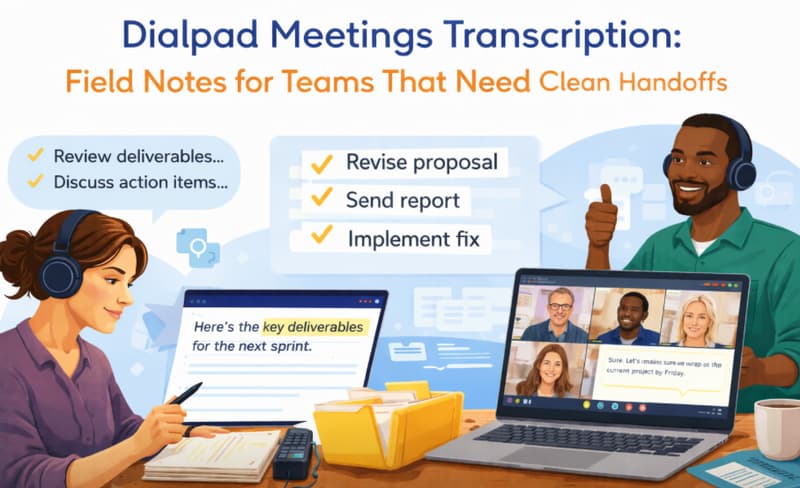
At 6:12 PM, everyone leaves the call saying, "Clear, we are aligned." At 9:30 AM the next day, two people execute different plans because one owner line in the notes was wrong. That is the real cost of weak Dialpad meetings transcription.
When teams ask for Dialpad meetings transcription, they usually are not buying text. They are buying fewer misses, faster follow-through, and less arguing about "what was actually decided."
Quick intent answers (before you choose any workflow)
- Does Dialpad include transcription? Yes, Dialpad Meetings supports AI transcription and post-call summaries on eligible plans and settings.
- Should we still transcribe Dialpad meetings externally? Sometimes. Teams add an external layer when they need faster cleanup, stronger editing controls, or easier export/share across stakeholders.
- Can we edit and export Dialpad meetings transcript output? You can share and distribute output, but teams often add a dedicated transcript editor when they need stricter QA workflow and handoff formatting.
- What should we optimize first? Time from call-end to trusted handoff note. That metric predicts execution quality better than raw generation speed.
Dialpad native vs external workflow (practical split)
If your internal calls are short and low-risk, native output may be enough. If customer commitments, implementation dates, or legal wording depend on the call, many teams add a second cleanup layer so ownership lines are verified before publication.
Use native-first
Internal syncs, low-risk status updates, small team calls, and lightweight note requirements.
Add external editing
Client-facing decisions, multi-team handoffs, strict owner/date tracking, and dispute-prone projects.
Where teams quietly burn time
In one growth team I worked with, every Monday strategy call was recorded, transcribed, and still useless by Tuesday because no one normalized owner names. "Mina," "Mina K," and "Product" were treated as different assignees in three tools. The transcript was technically done. The work still fell apart.
Another example was a customer escalation review: everyone agreed to "ship patch after legal review," but the raw line dropped the "after." Support told the client a different date than engineering. One missing word forced two follow-up calls and a discount credit.
If you need to transcribe Dialpad meetings, run this 9-minute loop
- Minute 0-2: open transcript immediately after the meeting while context is still warm.
- Minute 2-4: fix speaker labels first. Do not edit wording before identity is correct.
- Minute 4-6: verify only high-risk lines: owners, dates, budget numbers, go-live decisions.
- Minute 6-8: publish a short handoff note (decisions, owner, due date, unresolved risk).
- Minute 8-9: attach the full transcript link for audit trail and quote disputes.
That is enough for most teams. Anything longer usually means your review scope is too broad.
One correction that changed delivery week
[00:22:11] Speaker 3: Rahul owns migration after April 18.
[00:22:11] Speaker 3 (Dana): Raquel owns migration. Start after April 8.
Name and date were both wrong. The corrected Dialpad meetings transcript prevented a ten-day planning error and misassignment to the wrong team.
Quick QA triage (what to check first)
Ownership lines
Any sentence with "owns," "takes," "follows up," or "will deliver" must have a single verified person.
Date lines
Verify launch dates, renewal dates, legal deadlines, and any phrase like "next Friday" against calendar reality.
Decision lines
Mark hard decisions separately from ideas. Teams lose weeks when brainstorm items are treated as approvals.
Risk lines
Keep one section for blockers and unknowns. Otherwise, unresolved risk gets buried in paragraph noise.
Copy/paste handoff note template
Dialpad Meeting Handoff Note
Meeting:
Date:
Owner:
1)
2)
- [Owner] -> [Task] -> [Due date]
- [Owner] -> [Task] -> [Due date]
-
- Full call transcript link
- Key timestamp references
When quality drops, do this before changing tools
- Improve microphone discipline first (single active mic per room beats any model switch).
- Stop side conversations during decision moments.
- Require one documentation owner per call, not "shared accountability."
- Use one naming convention for people and projects across notes.
Most teams blame tooling too early. Process noise is usually the bigger problem.
References (official docs)
- Dialpad Meetings + Dialpad AI (real-time transcripts, summaries, sharing)
- Record a Meeting (recording/transcription behavior and notices)
- Start & Join a Meeting (meeting controls including transcription options)
Product details and plan availability can change, so validate current behavior in vendor docs before locking an internal SOP.
FAQ
What is the fastest way to transcribe Dialpad meetings without extra overhead?
Use a fixed 9-minute post-call QA routine and review only high-risk lines. Full rewrite passes are rarely necessary for internal operations calls.
How long should a Dialpad meetings transcript review take?
For a typical 30-60 minute team call, 6-12 minutes is usually enough if speaker labels are fixed first and your team uses a strict handoff template.
Can we keep using Dialpad and still improve note quality?
Yes. Most quality gains come from ownership discipline, post-call QA order, and cleaner handoff notes, not from swapping platforms every month.
Final recommendation
If you measure only transcript generation speed, you will optimize the wrong thing. Measure minutes from call-end to trusted handoff note. That is the real metric that tells you whether your transcript process works.
If you need a faster editing and sharing layer on top of meeting output, use the transcript editor + summary workflow and publish decisions the same day.
Test your noisiest call, not your cleanest one
Run one messy internal meeting through this process and track total cleanup time. Your first 15 free minutes are enough to benchmark if the workflow holds under pressure.
Try it with 15 free minutes